inquiry@octalsoft.com


Clinical operations teams still spend significant time on activities that add little scientific or operational value. These tasks persist due to legacy systems, fragmented data sources, and manual workflows. Automation offers a scalable path to reducing operational waste while improving compliance and decision-making.
This article outlines a practical, step-by-step framework for automating low-value tasks in clinical operations, with real examples of how modern platforms—including Octalsoft—implement these principles.
What Are “Low-Value” Tasks in Clinical Operations?
Low-value tasks are manual, repetitive activities that do not directly influence trial strategy, patient outcomes, or regulatory success.
Common Examples
- Manual data entry into CTMS, EDC, spreadsheets, or trackers
- Reconciling site payment data, visit logs, and monitoring reports
- Manually updating enrollment, screening, and retention dashboards
- Email-based follow-ups for supplies, deviations, or document updates
- Duplicated reporting across systems and stakeholders
- Document versioning, filing, and audit preparation
- Vendor or site communication tracking
Why They Persist
- Fragmented systems with no inter-platform communication
- Overdependence on spreadsheets
- Legacy processes designed for paper workflows
- Resistance to technology change
- Lack of process documentation
Low-value tasks survive because trial systems rarely speak to each other, forcing clinical teams to fill the gaps with manual work.
The Cost of Manual Work in Clinical Ops
Key Impacts
- Time lost: Up to 4–10 hours per week per CRA on administrative work
- Higher error rates: Manual entries create inconsistencies that delay database lock
- Increased monitoring costs: More SDV/SDR required to verify manual corrections
- Longer study timelines: Slower updates to enrollment, deviations, supplies, and payments
- Compliance risk: Missing documentation and uncontrolled versioning
A Phase III trial with 50 sites may generate thousands of manual reconciliation tasks across payments, queries, logs, and submissions—significantly slowing cycle times.
A Practical Framework for Automating Low-Value Tasks
Digital transformation requires a structured process—map tasks, prioritize impact, automate workflows, and measure outcomes.
Below is a step-by-step practical framework clinical teams can apply to any study or department.
Step 1: Identify and Categorize Low-Value Tasks
Break tasks into four categories:
- Repetitive and rule-based
- Data-heavy and time-consuming
- Prone to human error
- Dependent on cross-system updates
Examples: visit log updates, enrollment metrics, drug forecasts.
Why it matters:
Categorization reveals which tasks are easiest to automate and yield the fastest returns.
Step 2: Map Current Processes
Document each workflow end-to-end.
Include:
- Inputs
- Outputs
- Decision points
- Systems involved
- People involved
Tip: Most automation failures come from automating undocumented or inconsistent processes.
Step 3: Evaluate Automation Opportunities
Score each task based on:
- Time spent
- Error rates
- Dependency on other systems
- Regulatory impact
- Frequency
Tasks with high frequency + low complexity should be automated first.
Step 4: Select the Right Technology
Automation can come from:
- Workflow engines
- CTMS-EDC integrations
- Data pipelines
- API-based triggers
- RPA (in limited legacy scenarios)
- AI-driven reconciliation tools
- eSource and ePRO data capture
- QMS automation for documentation and SOP workflows
Quote-ready:
The best automation solutions replace email-based coordination with event-based, system-driven workflows.
Step 5: Implement Change Management
Success relies on:
- Training for CRAs, CRCs, PMs, and data managers
- Updated SOPs and governance
- Stakeholder communication
- Pilot programs before scale
Step 6: Measure Impact and Iterate
Track:
- Hours saved per role
- Reduction in data errors
- Turnaround time improvements
- Decrease in monitoring findings
- Reduction in protocol deviations related to manual errors
Then refine and expand automation across more processes.
How Modern Platforms Like Octalsoft Automate Low-Value Tasks
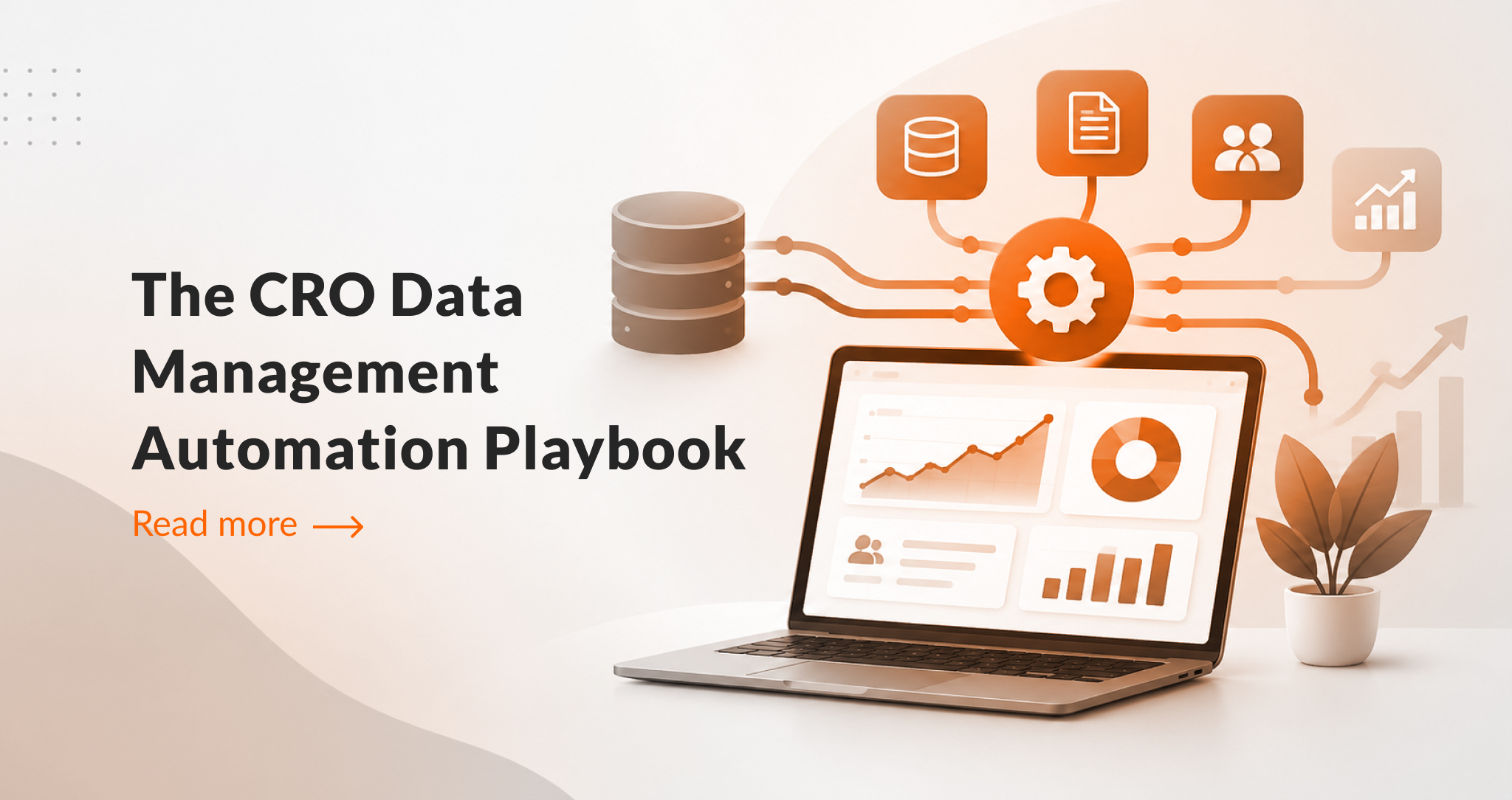
Unified platforms eliminate low-value work by connecting CTMS, EDC, IWRS, eTMF, QMS, and reporting systems into a seamless workflow.
Examples of Automation in Octalsoft
1. CTMS ↔ EDC Data Sync
Automates:
- Patient status
- Visit completions
- Queries and deviations
- Site performance metrics
2. Automated Site Payments
Eliminates:
- Manual payment calculations
- Reconciliation of visit logs
- Email-based approvals
- Spreadsheet-based payment trackers
3. IWRS-Driven Drug Supply Automation
Automates:
- Forecasting
- Shipment requests
- Resupply logic
- Temperature-controlled product tracking
4. eTMF + QMS Automation
Automates:
- Document versioning
- SOP updates
- Reviewer/approver workflows
- Audit readiness
5. Real-time Dashboards and Alerts
Removes:
- Manual reporting
- Status tracking
- Follow-up reminders
Quote-ready:
Octalsoft reduces operational drag by transforming clinical data into real-time, actionable insights across the entire study lifecycle.
A Simple Automation Maturity Model for Clinical Ops
Organizations progress through three stages of automation maturity: manual → integrated → intelligent.
Level 1: Manual Operations
- Spreadsheets, emails, PDFs
- Delayed and inconsistent data
Level 2: Integrated Digital Workflows
- Connected CTMS, EDC, IWRS
- Automated triggers
- Basic process automation
Level 3: Intelligent Clinical Operations
- Predictive analytics
- AI-supported monitoring
- Automated forecasting
- Continuous optimization
Most organizations today are transitioning from Level 1 to Level 2.
Practical Use Case Examples
Use Case 1: Enrollment Monitoring
Before: Weekly manual updates from sites
After: Automatic sync from EDC → CTMS dashboards
Use Case 2: Supply Management
Before: Email requests and manual forecasting
After: IWRS-driven automated resupply logic
Use Case 3: Site Payments
Before: 10–15 hours monthly on reconciliation
After: Payments auto-calculated on visit confirmation
How-To Guide: Automating Your First Clinical Ops Workflow
- Identify a high-frequency manual task.
- Document the current process.
- Choose the workflow module (CTMS/EDC/IWRS/QMS).
- Set the automation trigger (e.g., Visit Complete).
- Define outputs (dashboard update, payment rule, alert).
- Train involved stakeholders.
- Monitor outcomes for 30–60 days.
- Expand to a secondary workflow.
Glossary
CTMS: Software supporting oversight, site management, and trial operations.
EDC: Platform for capturing and validating clinical trial data.
IWRS: System managing randomization and drug supply.
QMS: System handling SOPs, documents, training, and compliance.
Automation: Use of software to run processes without human intervention.
eSource: Digital capture of source data.
Workflow Automation: Event-based triggers that execute predefined tasks.
FAQ
What types of clinical ops tasks are easiest to automate?
Repetitive, predictable activities such as data synchronization, site payments, enrollment updates, and supply forecasting.
Is RPA useful in clinical operations?
RPA helps with legacy system gaps but is less ideal than integrated platforms.
Does automation reduce compliance risk?
Yes. Automation reduces manual errors, ensures consistent documentation, and enhances audit readiness.
How fast can teams see results?
Pilot automations typically deliver measurable time savings within 30–90 days.
Conclusion
Automating low-value tasks is one of the most effective ways for clinical operations teams to accelerate trial timelines and improve data accuracy. A structured automation framework—combined with unified systems—reduces waste, improves compliance, and allows teams to focus on higher-value work such as patient engagement, trial strategy, and risk-based decision-making.